 En
En
 De
De 
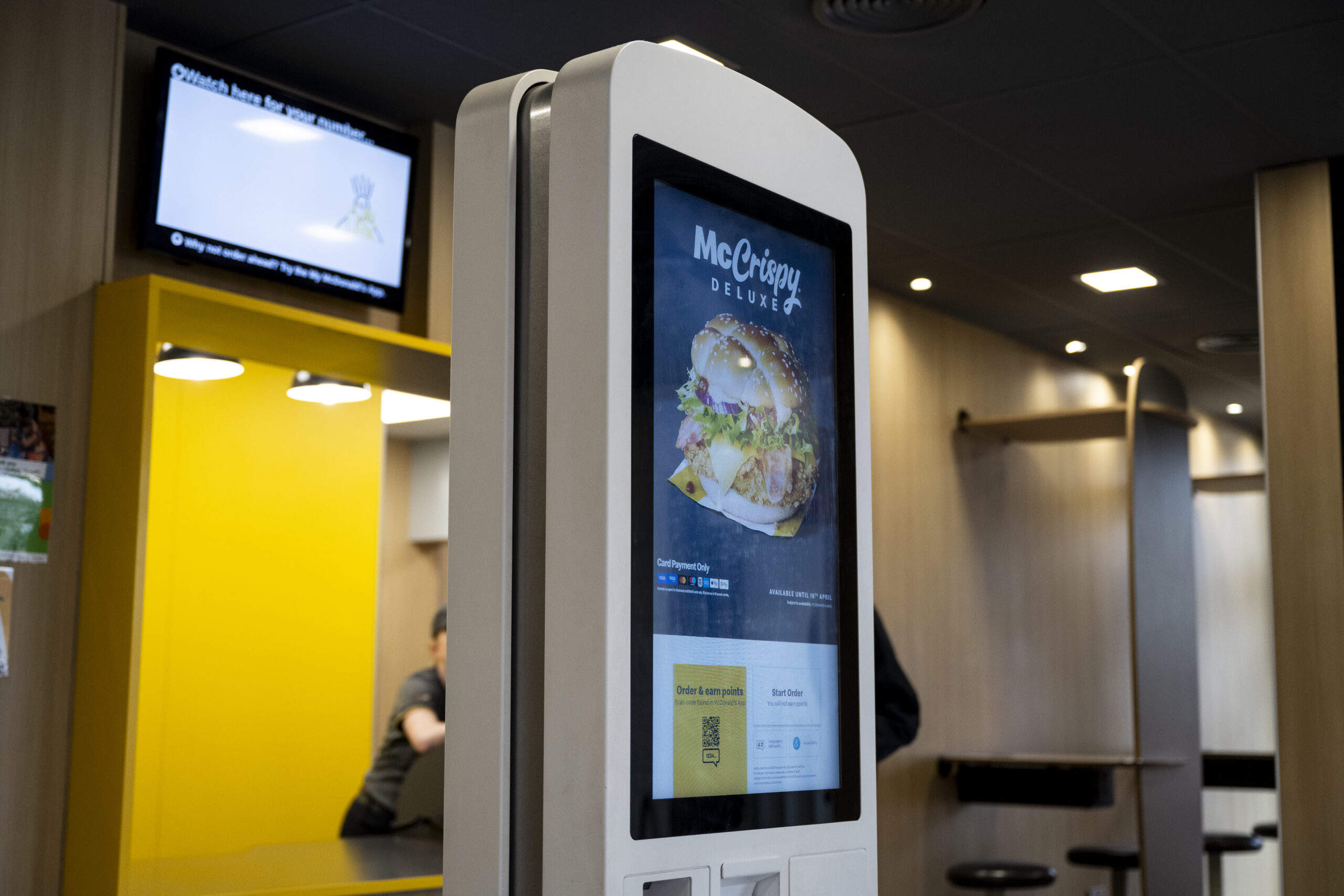
Self-service kiosks have moved from novelty to necessity. In restaurants, cafés, convenience retail, and travel hubs, kiosks are now a proven way to improve throughput, boost order value, and give customers more control over how they buy.
The challenge is not deciding whether kiosks work. It is understanding what they cost, how long they take to deploy, and how to roll them out without disruption. That is where experience matters.
This guide breaks down everything decision-makers need to know, with real-world insight from large-scale hospitality and retail deployments.
What a self-service kiosk is and where it fits in the journey
A self-service kiosk is a customer-facing ordering or interaction point, typically touch-based, that integrates directly with your point of sale, payments, and menu systems.
In hospitality, kiosks usually sit at the start of the ordering journey, allowing guests to browse, customise, pay, and submit orders without queueing at the counter. In retail, they support tasks such as assisted selling, product lookup, loyalty engagement, or click-and-collect.
The most successful kiosks are not standalone devices. They are part of a connected ecosystem alongside digital menu boards, kitchen systems, drive-through technology, and back-office reporting.
Benefits that leaders can measure
Kiosks are popular because the results are tangible and measurable.
- Shorter queues – By diverting orders away from the counter, kiosks reduce congestion during peak trading periods. This is particularly valuable in high-footfall environments such as QSR, travel retail, and roadside locations.
- Bigger basket size – Customers tend to spend more when ordering at their own pace. Upsell prompts, modifiers, and visual menus consistently increase average transaction value.
- Higher order accuracy – Orders go straight from the customer to the kitchen or fulfilment system, reducing miscommunication and costly remakes.
For leadership teams, this translates into improved customer satisfaction, better labour efficiency, and clearer data on buying behaviour.
How much kiosks usually cost
Costs vary depending on hardware choice, software, integration complexity, and rollout scale. However, there are clear patterns.
- Single site or small estate – For a single location, budgets typically include kiosk hardware, mounting, payment devices, software licensing, integration, installation, and support. This is often the starting point for a proof of concept or pilot.
- Multi-site and national rollouts – At scale, unit costs come down, but planning becomes more complex. Network readiness, power availability, standardised mounting, logistics, and long-term support all need to be designed upfront.
The most expensive kiosk programmes are rarely the ones with the most screens. They are the ones where infrastructure and operational realities were not addressed early.
Timelines: proof of concept, pilot, and national rollout
A well-managed kiosk programme follows a clear path.
- Proof of concept – Used to validate customer adoption and technical integration. This stage can often be delivered in weeks, assuming site readiness.
- Pilot phase – Typically five to ten sites, designed to test different layouts, peak-time behaviour, and operational processes. A five-site pilot commonly runs over eight to twelve weeks, including learning and refinement.
- National rollout – Once standards are locked down, national deployments can move quickly, with phased installations supported by logistics, staging, and 24/7 support.
The key is resisting the urge to rush from pilot to rollout without capturing lessons learned.
Real examples from hospitality and retail
Celestra has delivered kiosk and digital ordering solutions across some of the UK’s most recognisable brands.
Projects include deployments for Marston’s, McDonald’s, Moto, and Starbucks, covering everything from individual site upgrades to estate-wide rollouts. Each programme required careful coordination across IT, operations, construction, and suppliers.
You can explore these projects in more detail within our case studies and portfolio.
Common mistakes to avoid
Even proven technology can fail if fundamentals are overlooked.
- Power and network readiness – Kiosks are only as reliable as the infrastructure behind them. Insufficient power or unstable networks cause more issues than software ever will.
- Mounting and physical placement – Poor sightlines, awkward heights, or unstable fixtures damage adoption and brand perception.
- Change management – Staff need to understand how kiosks help them, not replace them. Training and clear messaging are essential to success.
Avoiding these pitfalls is often the difference between a smooth rollout and an expensive lesson.
What to do next
If you are considering kiosks, the smartest first step is planning. You can call to discuss the feasibility, costs, timelines, and risks specific to your estate. We also provide a downloadable kiosk rollout checklist to help teams prepare internally before committing budget. A short conversation now can save months later. Please reach out here
Frequently Asked Questions
How much does a self-service kiosk programme cost to start?
Entry costs depend on scale and complexity, but most programmes begin with a proof of concept or pilot to control risk and investment.
How long does a five-site pilot take?
A typical five-site pilot takes eight to twelve weeks from design to review, assuming sites are infrastructure-ready.
Can kiosks integrate with existing point of sale and menu systems?
Yes. Modern kiosks are designed to integrate with leading POS, payments, and menu management platforms.
What are the most common rollout mistakes, and how do we avoid them?
Underestimating infrastructure, poor mounting decisions, and lack of staff engagement are the most common issues. Early planning and experienced delivery partners prevent these problems.
